

The Confident Designer
Learn to design, build, and present interior spaces in SketchUp—with clarity and confidence.
A beginner-friendly, design-led course for creating refined 3D interiors.
€347 — one time payment
No prior experience needed · Self-paced (~6 weeks)
Design with clarity and confidence
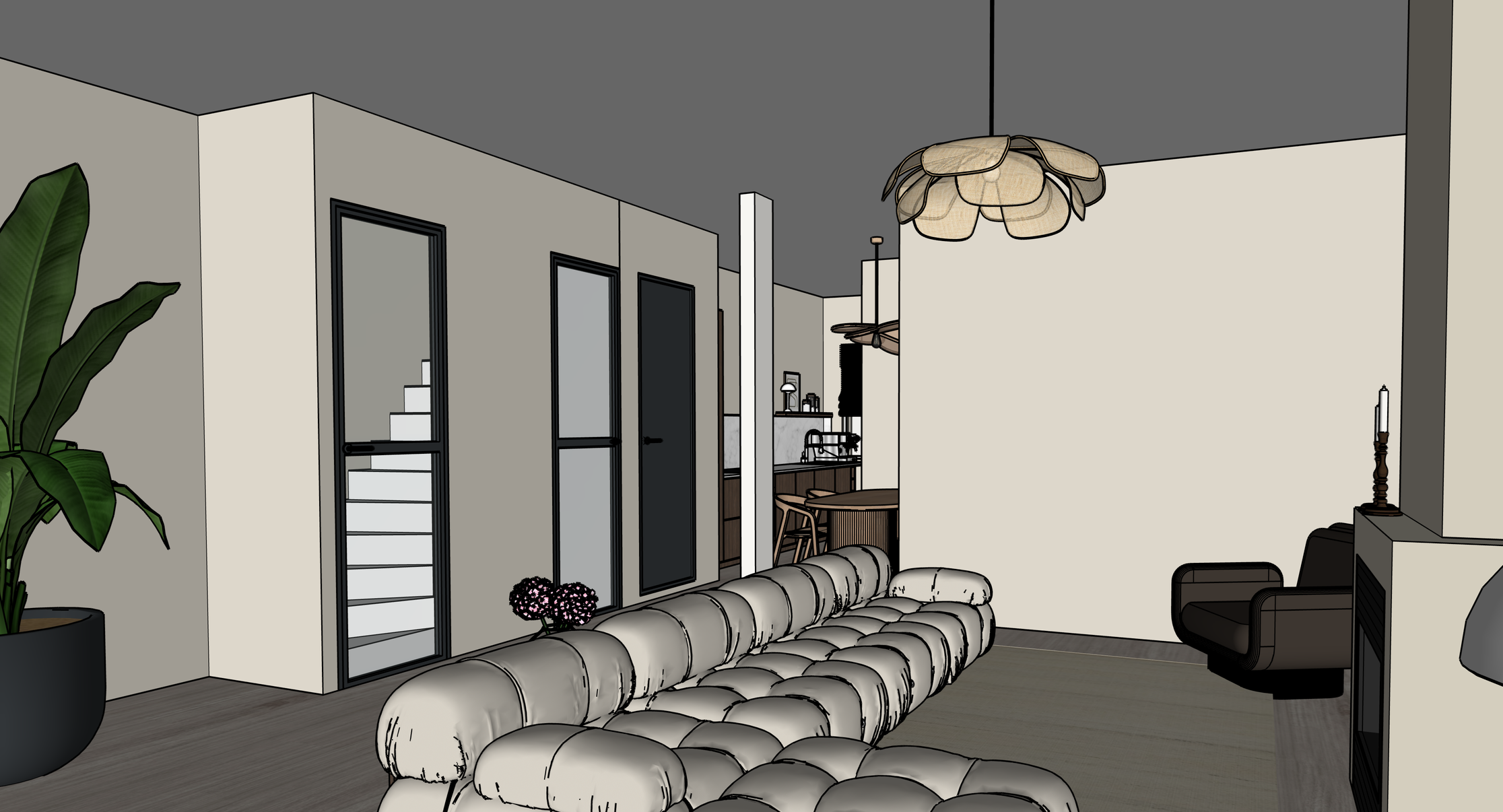
Experience the process behind creating complete interior concepts — from structure and styling to fully presented 3D interiors.
This course is part of The Interior Icon.
A design-led approach to understanding interiors—
and translating them into structured, intentional 3D spaces.The Confident Designer is your foundation.
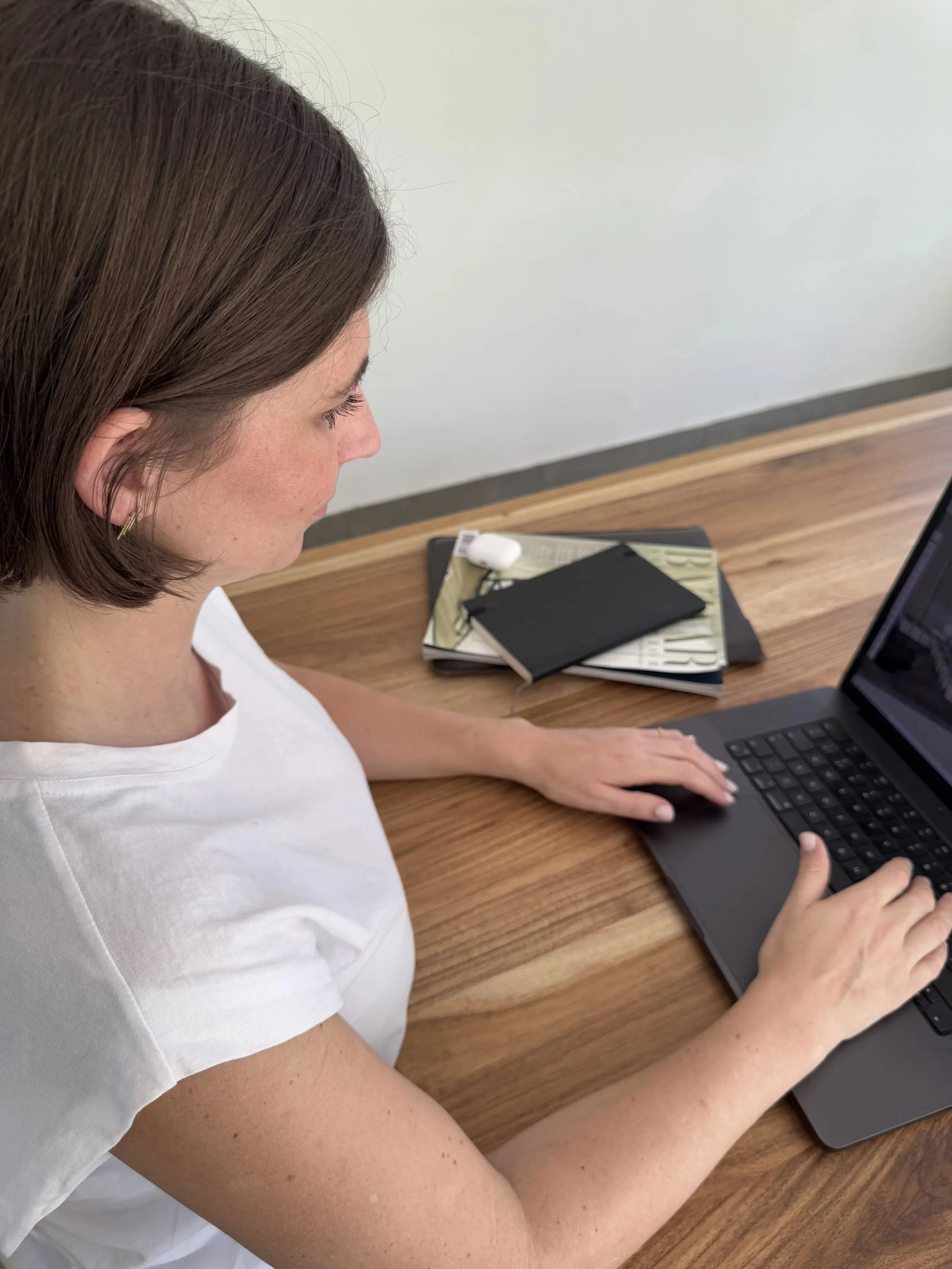
You have strong creative ideas, but they don’t always translate clearly into your work.
In your mind, everything is clear.
But when you try to build it in SketchUp—it feels harder to express.
So what happens?
✔ Your designs don’t fully reflect your ideas
✔ You spend more time figuring things out than designing
✔ Your work doesn’t feel as refined as you imagined
Over time, this becomes frustrating:
“Why does this look so much better in my head than in my model?”
The issue isn’t your creativity.
It’s the lack of a clear structure for turning ideas into design.
The Confident Designer gives you a clear and structured way
to approach interior design in SketchUp.
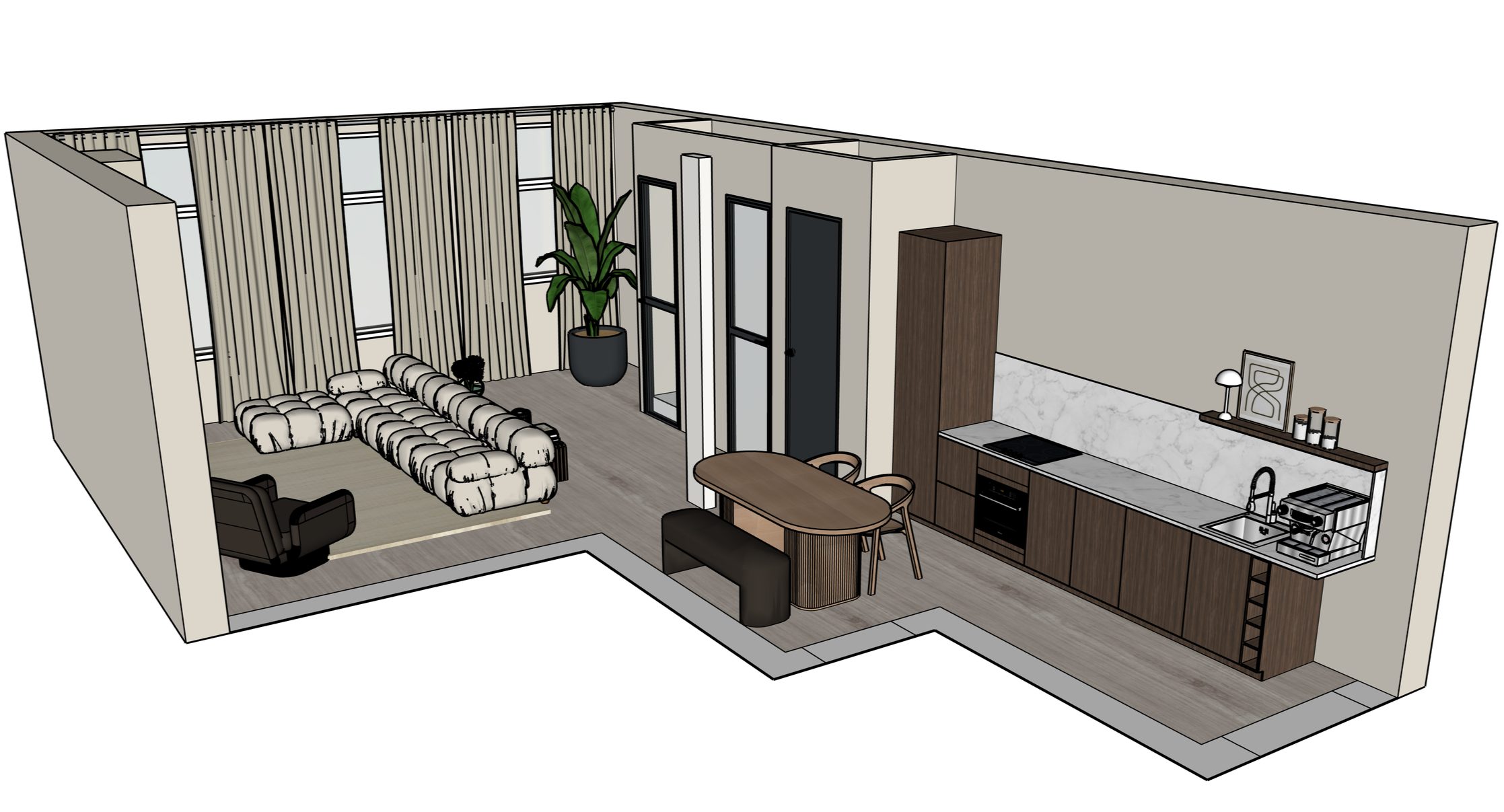
You’ll learn how to:
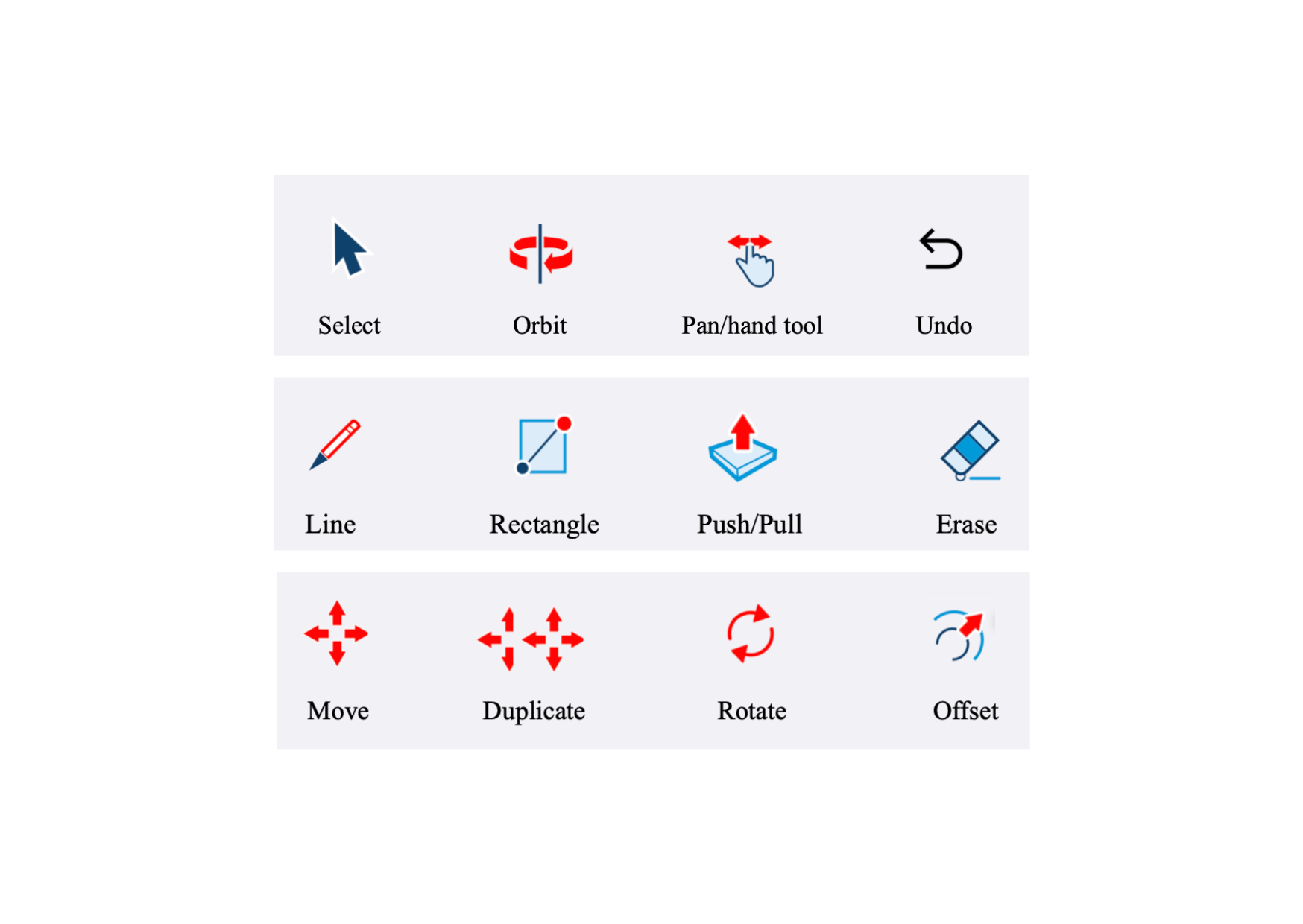
✔ understand the fundamentals of SketchUp without overwhelm
✔ build interior spaces step-by-step
✔ make intentional design decisions
✔ present your work in a clean and professional way
So you’re not just modeling interiors—you’re designing and communicating them.
From first model to
confident interior design
This course takes you from understanding the basics of SketchUp to creating complete interior spaces with structure and clarity.
You’ll move from:
✔ confusion → clarity
✔ trial and error → structured process
✔ unfinished ideas → intentional design
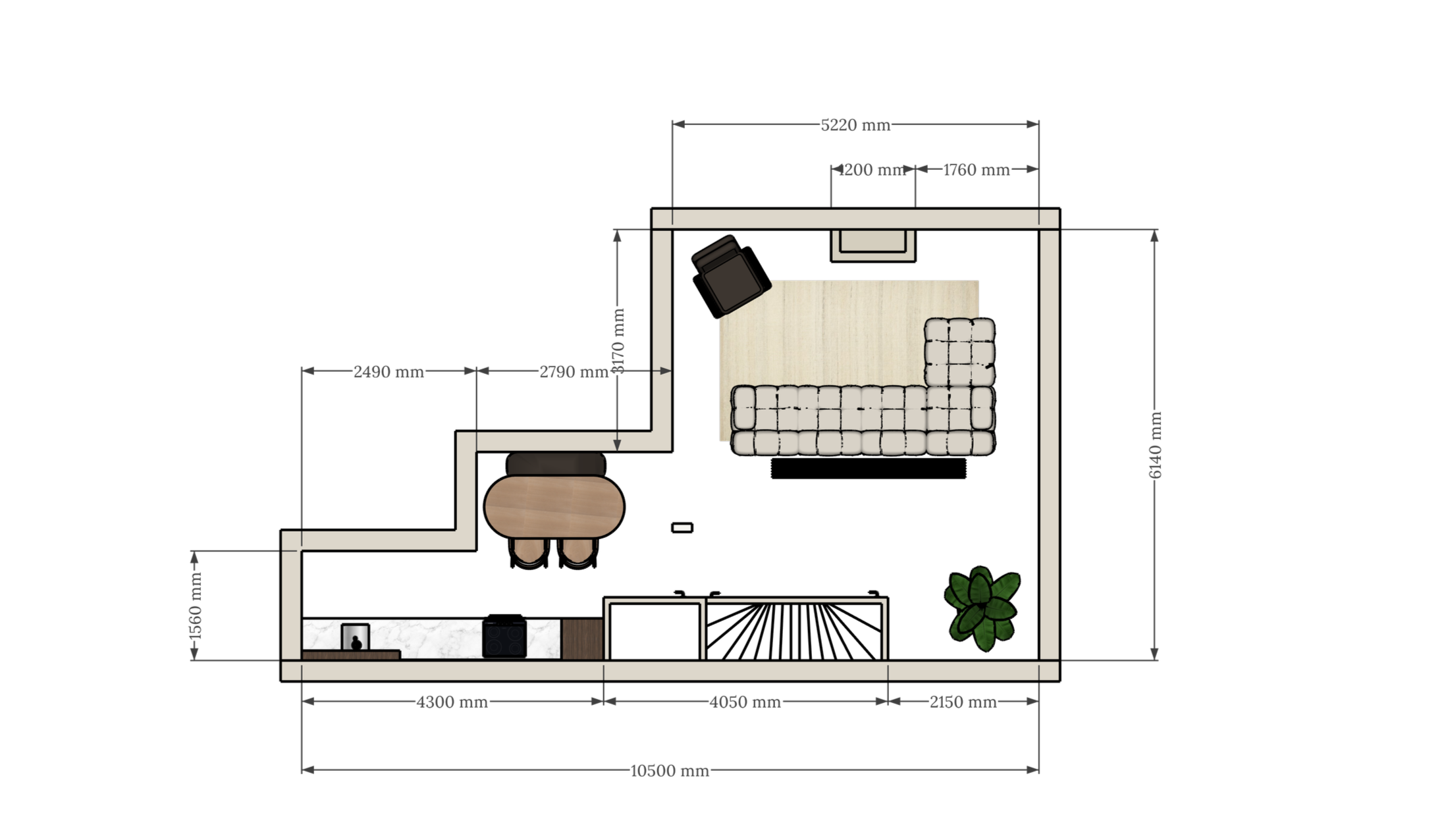
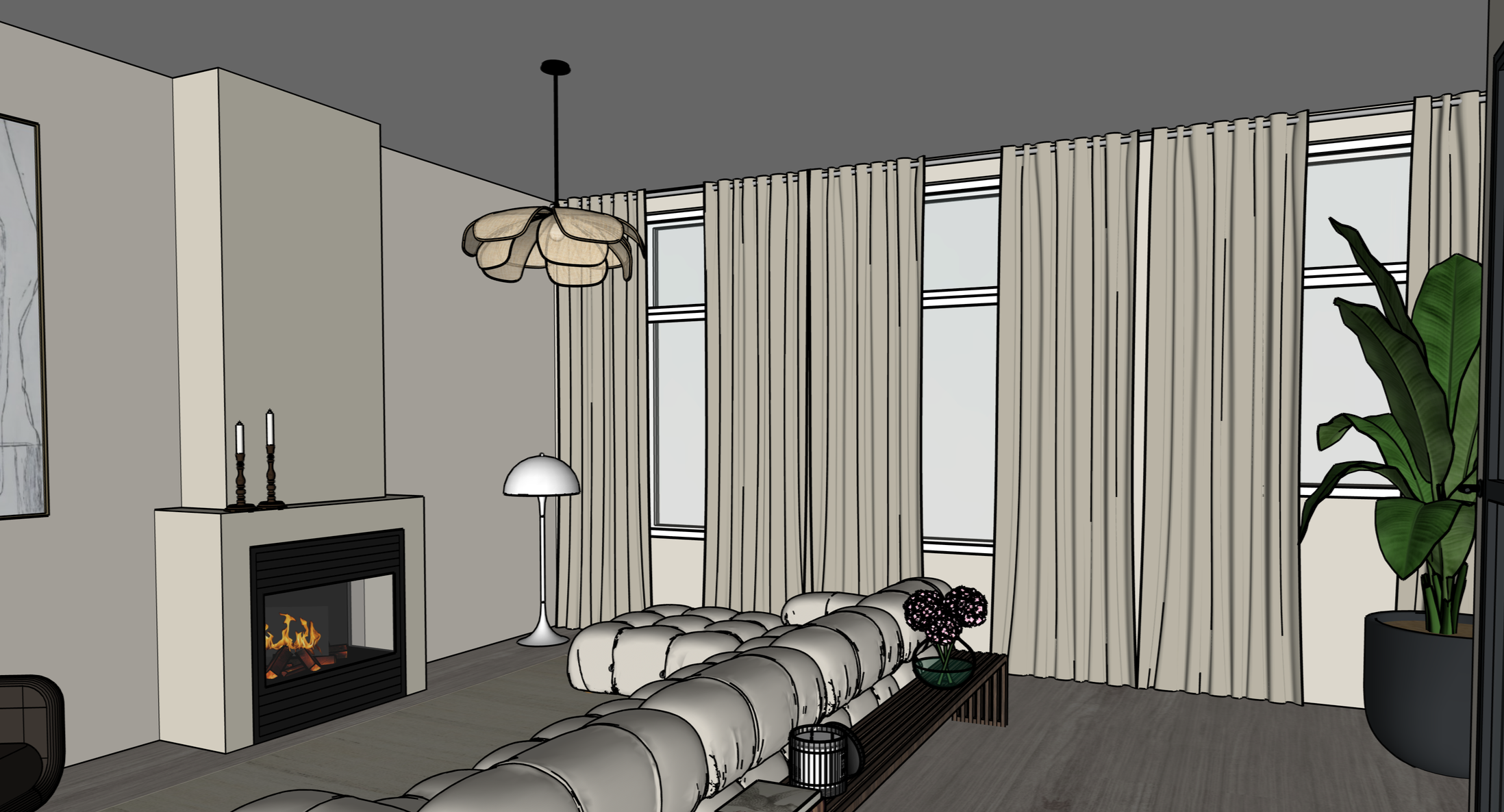
What you’ll learn
✔ SketchUp fundamentals made simple
✔ How to build full interior spaces step-by-step
✔ Furniture placement, floor plans & spatial layout
✔ How to add materials, lighting
✔ How to present your designs professionally
See the process
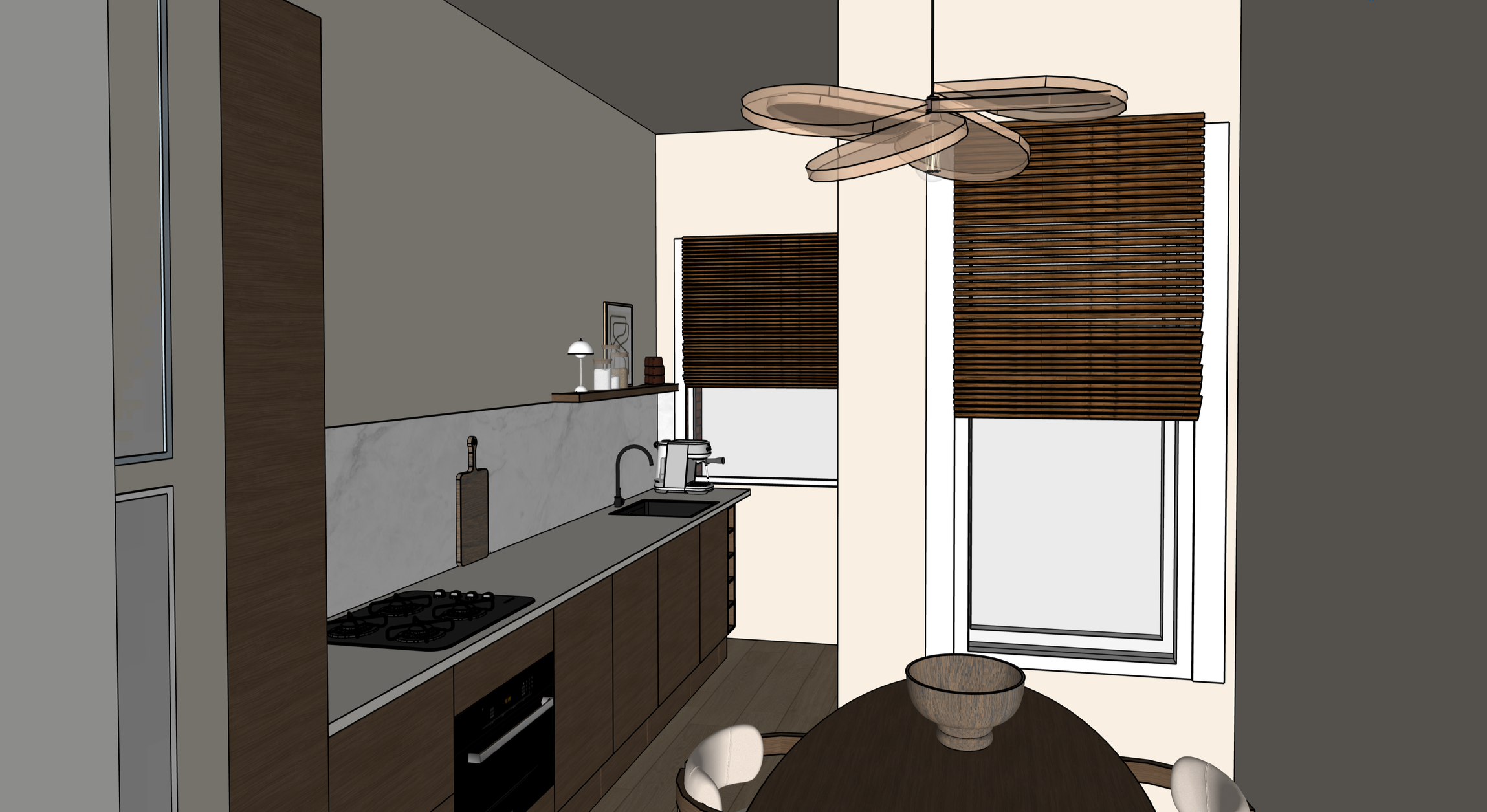
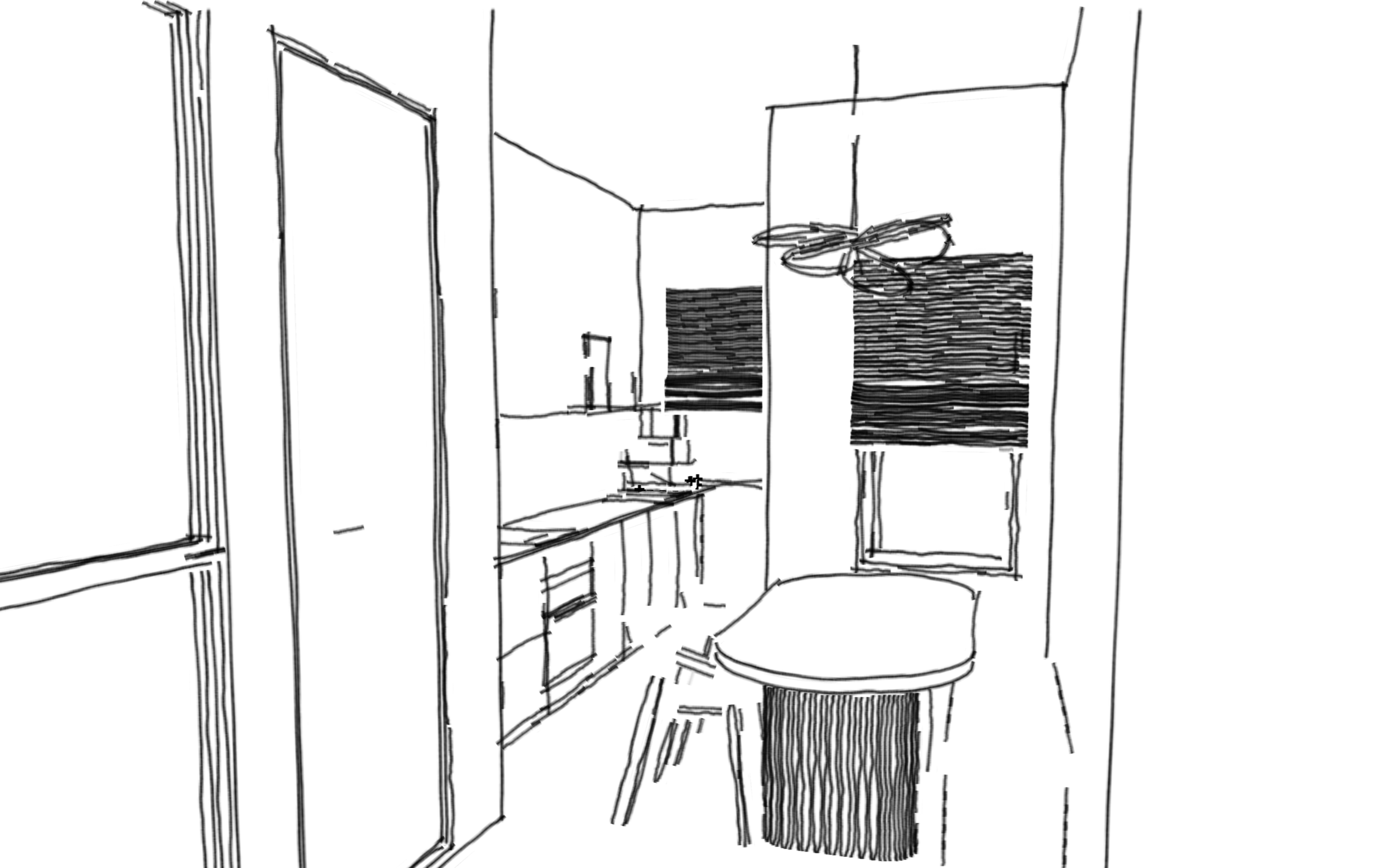
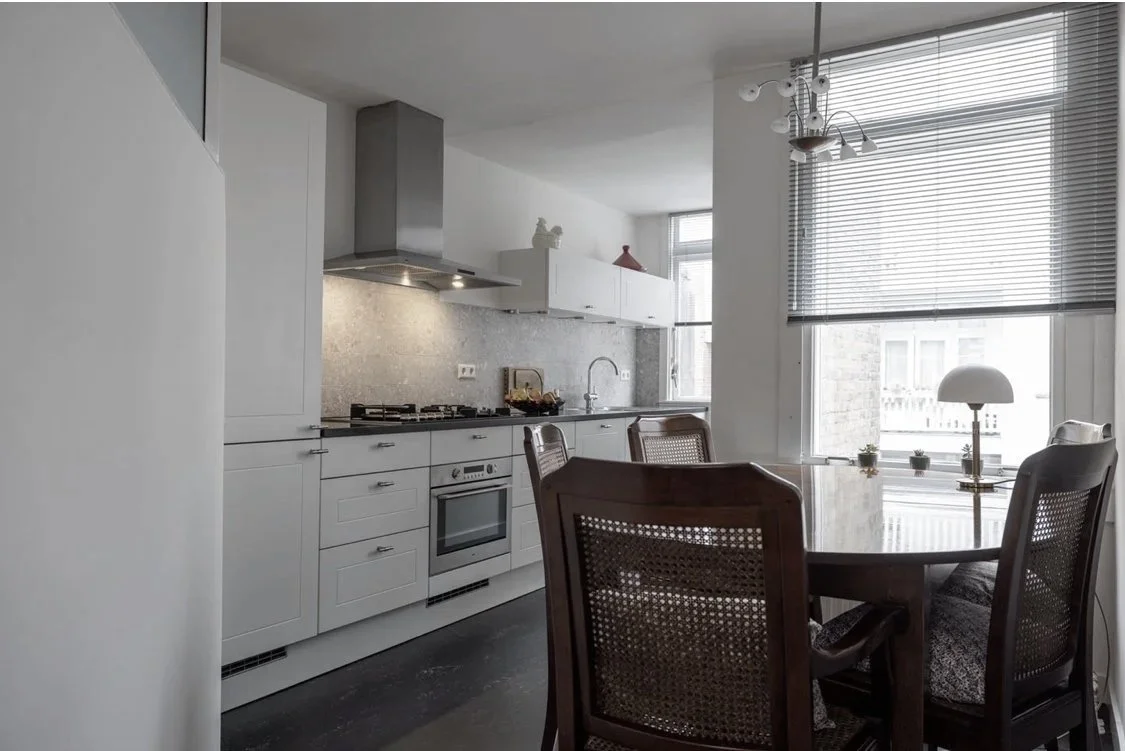
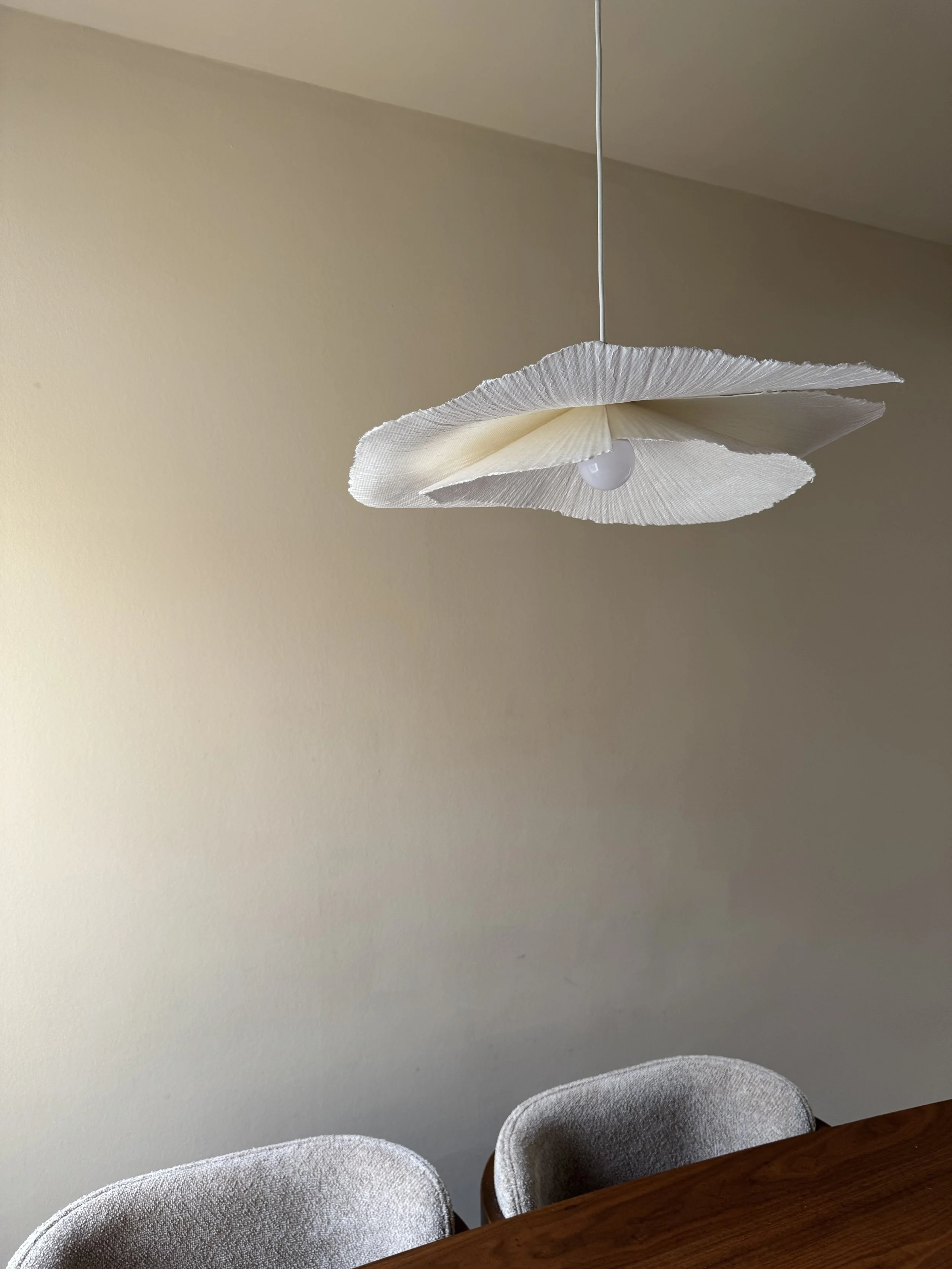
Design is a process — not a guess.
This course is for you if…
✔ You want to learn SketchUp from scratch
✔ You struggle to turn ideas into 3D designs
✔ You want your work to feel more intentional
✔ You are interested in interior design and visual thinking
✔ You want a structured way to learn
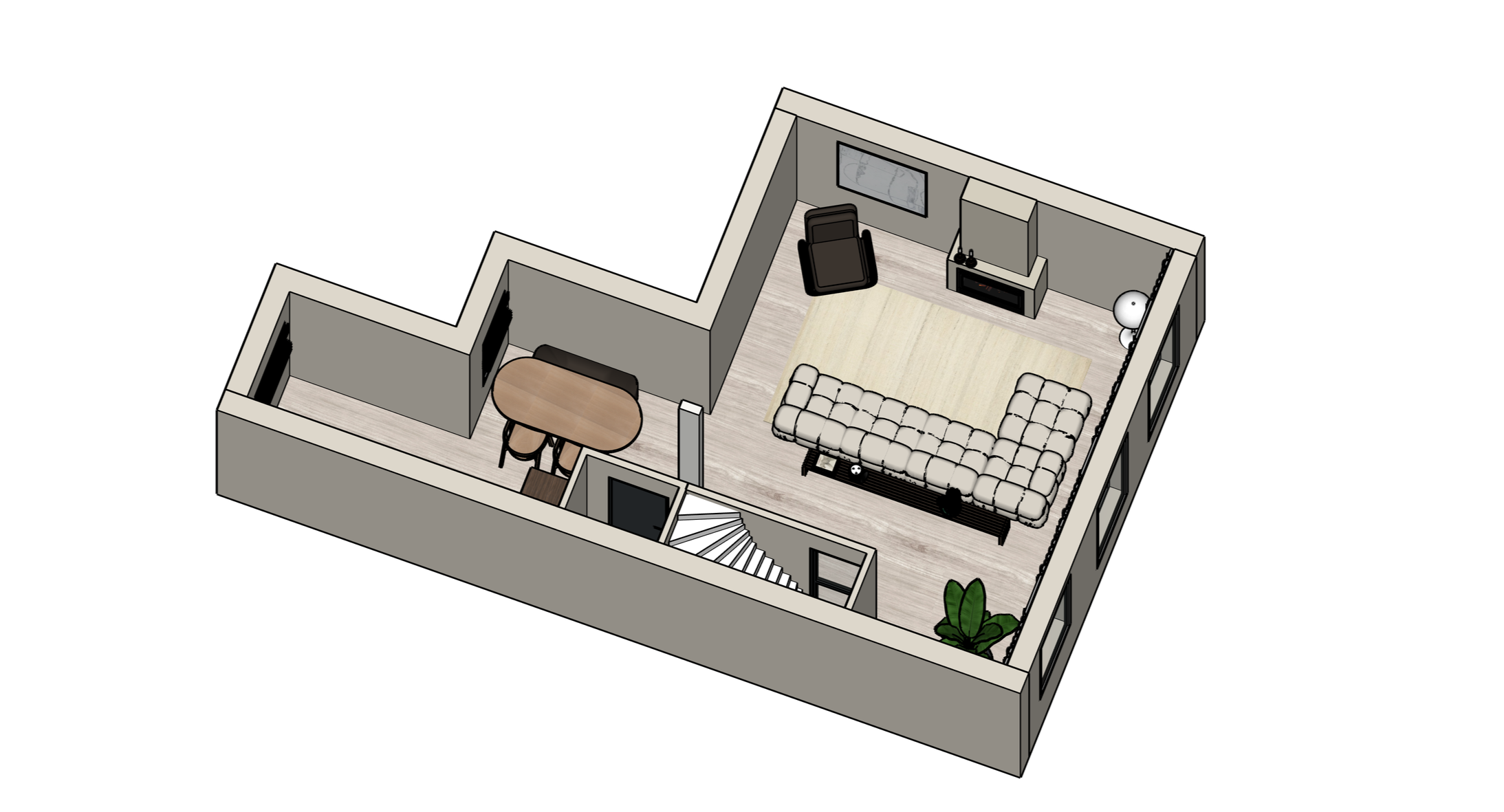
No prior experience needed.
A structured learning path
Module 1 - Explore the Essentials
Learn the essentials and create your first 3D.
Module 2 - Building Interior Spaces
Start structuring rooms and layouts with clarity.
Module 3 - Styling your signature look
Add personality through materials, colors, texture, and furniture.
Module 4 - Presentation & Refinement
Learn how to present your work clearly and professionally.
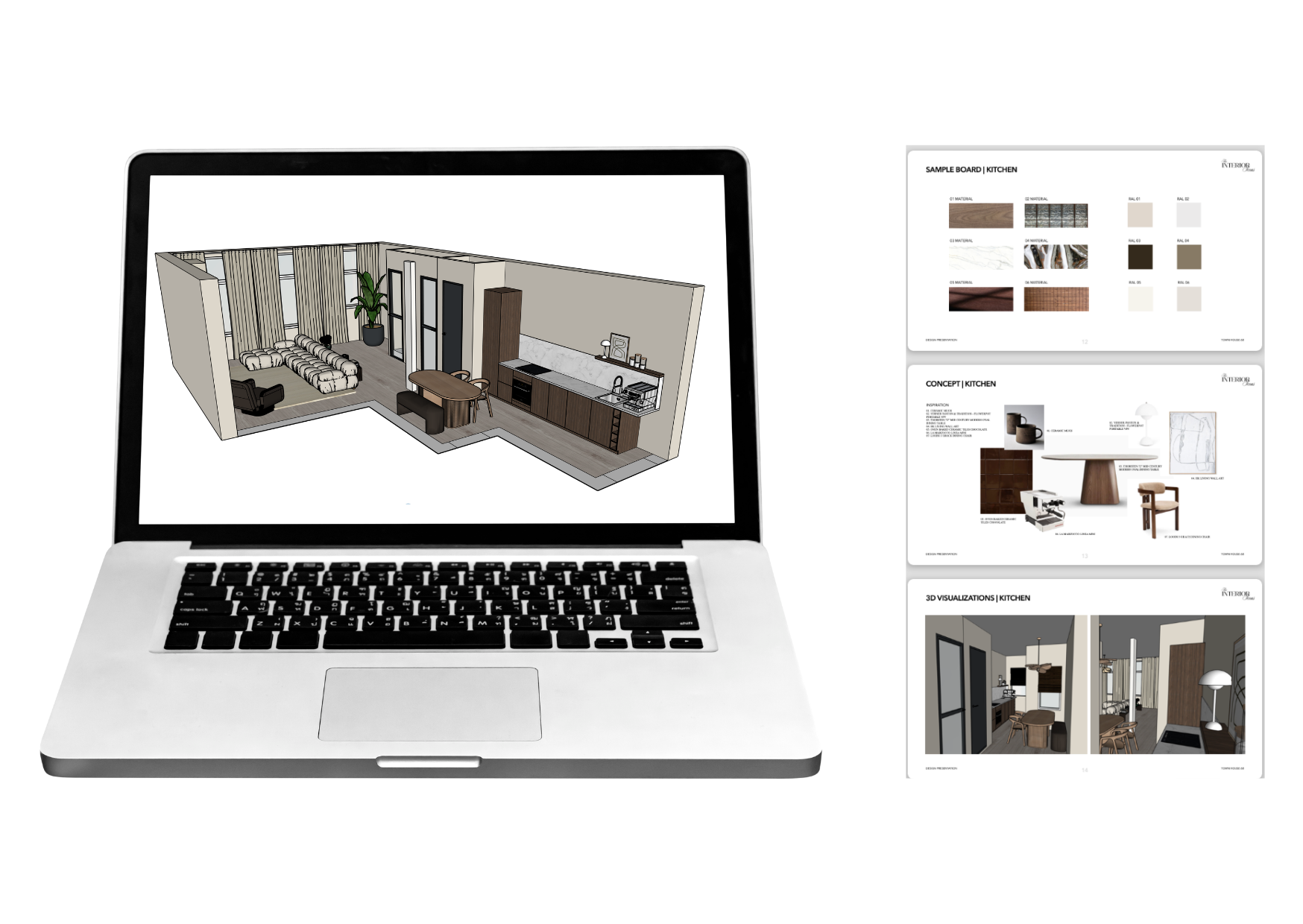
Self - paced, so you can learn at your own rhythm.
Created by
Stéphanie Duinmaijer
The Confident Designer is created by Stéphanie Duinmaijer, founder of The Interior Icon.
“With a focus on clarity, structure, and refined design, this course is was designed to help you build a strong foundation in interior design and SketchUp.“
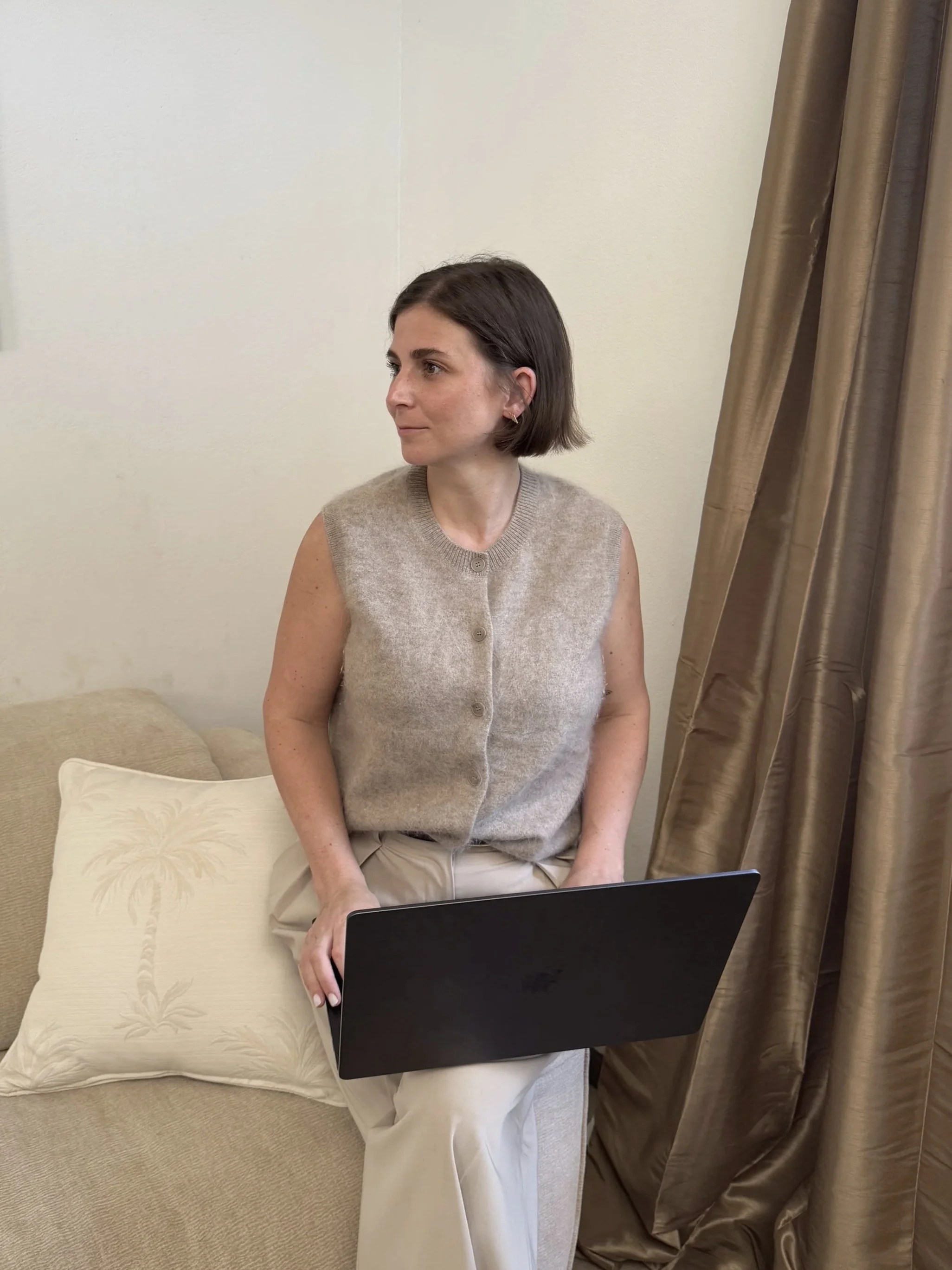
Design is not just creation — it’s communication
Many people learn how to model in SketchUp.
Very few learn how to present their work clearly.
In this course, you’ll also learn how to:
✔ structure your visuals
✔ improve clarity in presentations
✔ make your work easier to understand
This is what makes designs feel professional.
Not sure yet?
Start with the first module of the course and experience the process before committing.
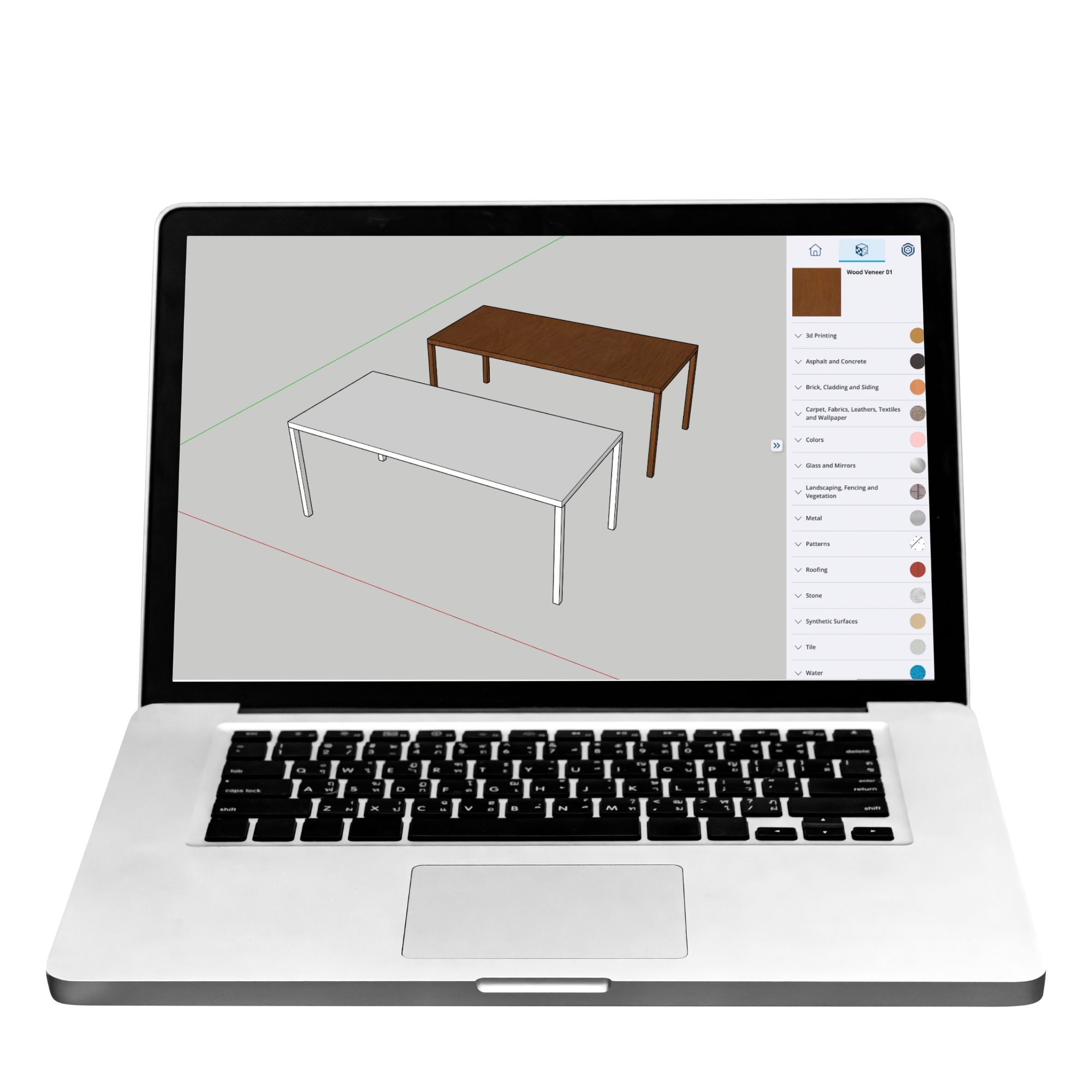
You’ll create your first 3D design in SketchUp and understand how the system works.
→ Try the first module
What is included?
✔ Full access to The Confident Designer
✔ Step-by-step SketchUp training
✔ Presentation guidance
✔ Guidance on setting up SketchUp (free to get started)
✔ Self-paced learning (~6 weeks)
✔ Clear onboarding to get you started
✔ Guidance for your next steps after the course
✔ Support resources and answers to common questions
Start building your foundation in SketchUp
Learn to design interiors with structure, clarity, and confidence.
€347 — one time payment
No prior experience needed · Instant access .
Self-paced learning (~6 weeks)
Questions?
-
No, this course is designed for complete beginners.
-
It’s self-paced and designed to be completed around 6-8 weeks.
-
No, you can start learning by setting up a Free account.
-
Yes - you’ll build the foundation to design and present complete spaces. You won’t learn how to build a whole house or apartment.
-
Yes, you can start right after enrolling. With a lifetime access.
-
You don’t need a specific computer.
Start designing with clarity
If you’re ready to move beyond random tutorials and finally understand how to approach interior design in SketchUp — this is your starting point.
→ Join The Confident Designer
€347 — one time payment