Learn SketchUp for Interior Design
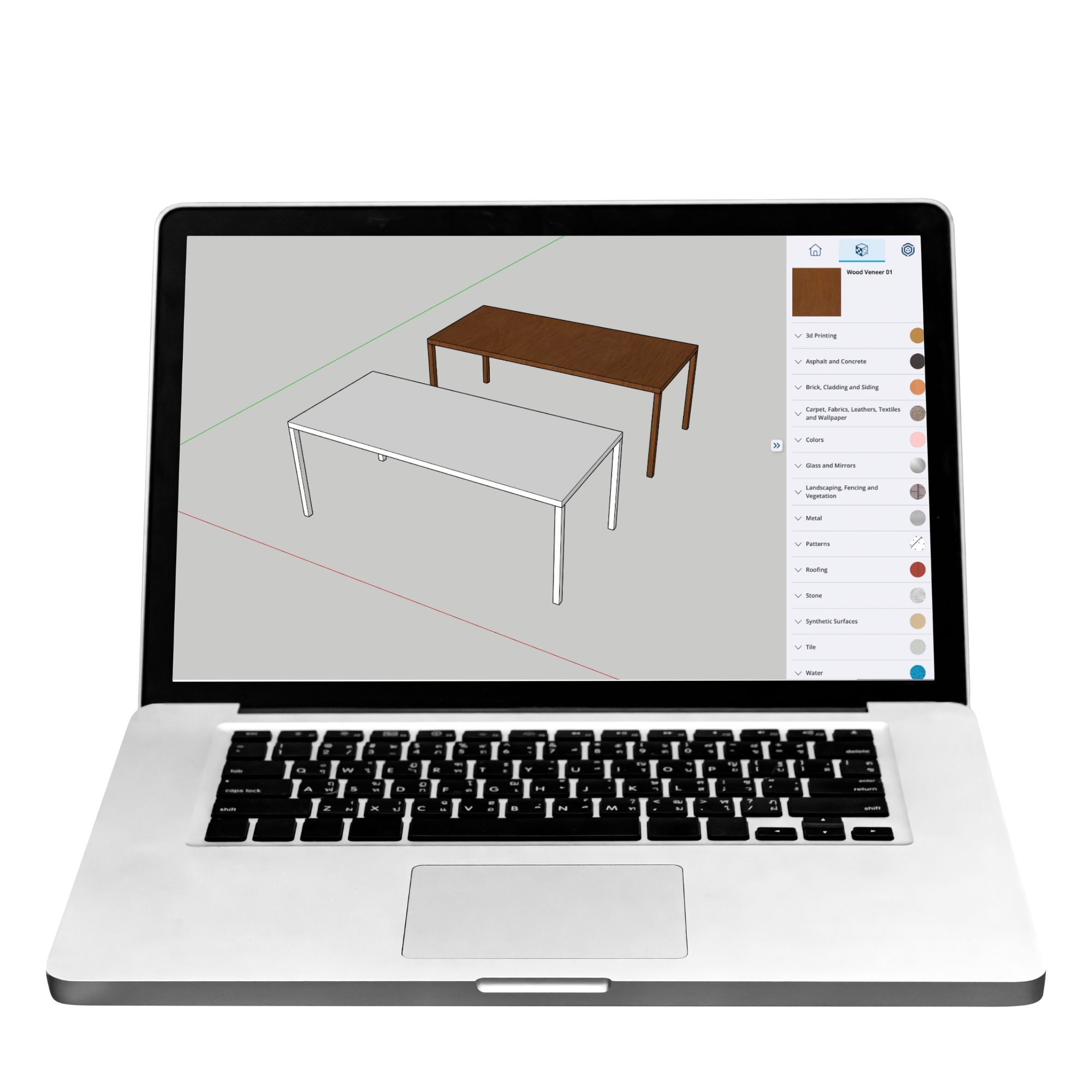
(Beginner -Friendly)
Start with the first module of The Confident Designer and create your first 3D model in ~90 minutes.
Free . No experience needed . Step-by-step
What you’ll learn in this first module
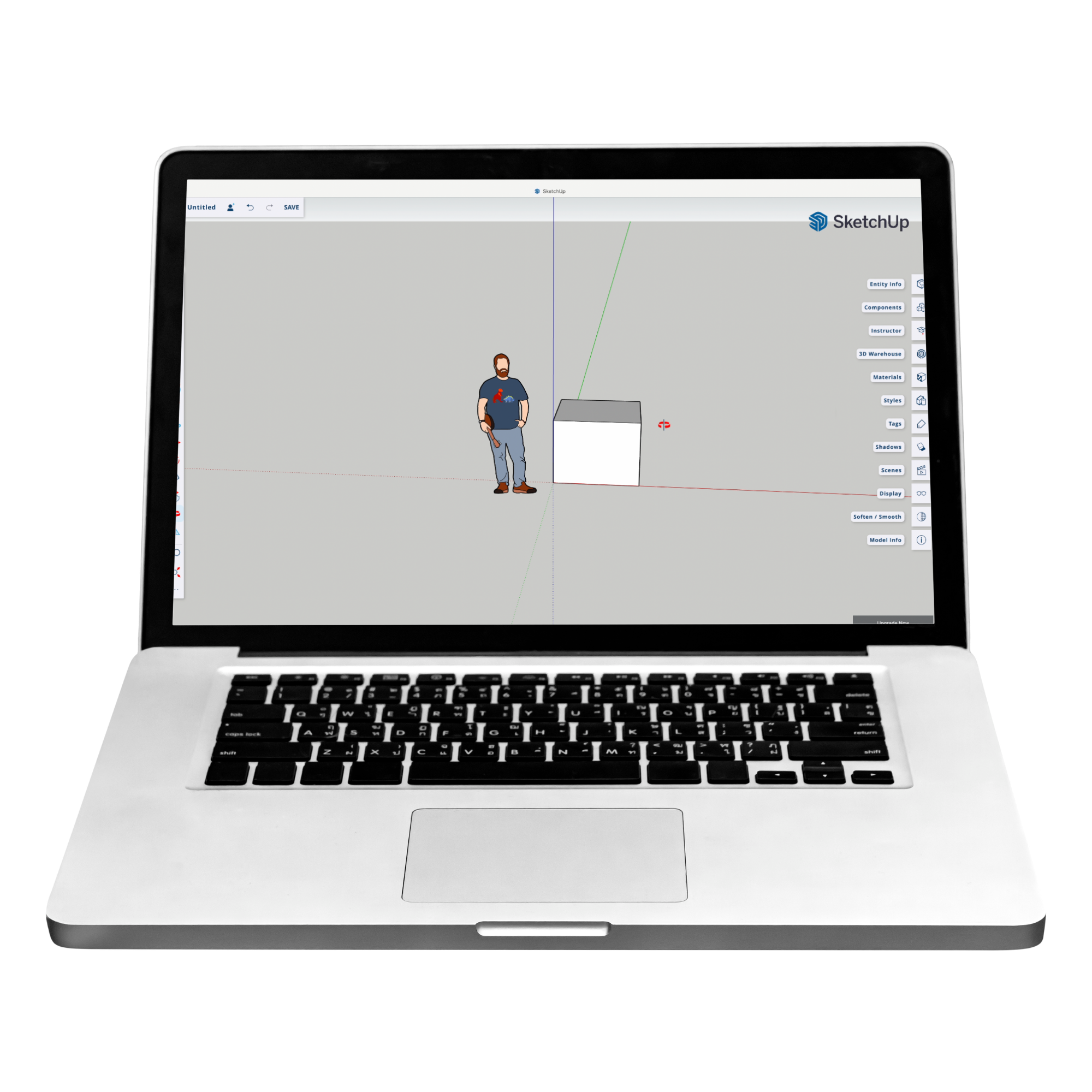
✔ How SketchUp works (simple and clear)
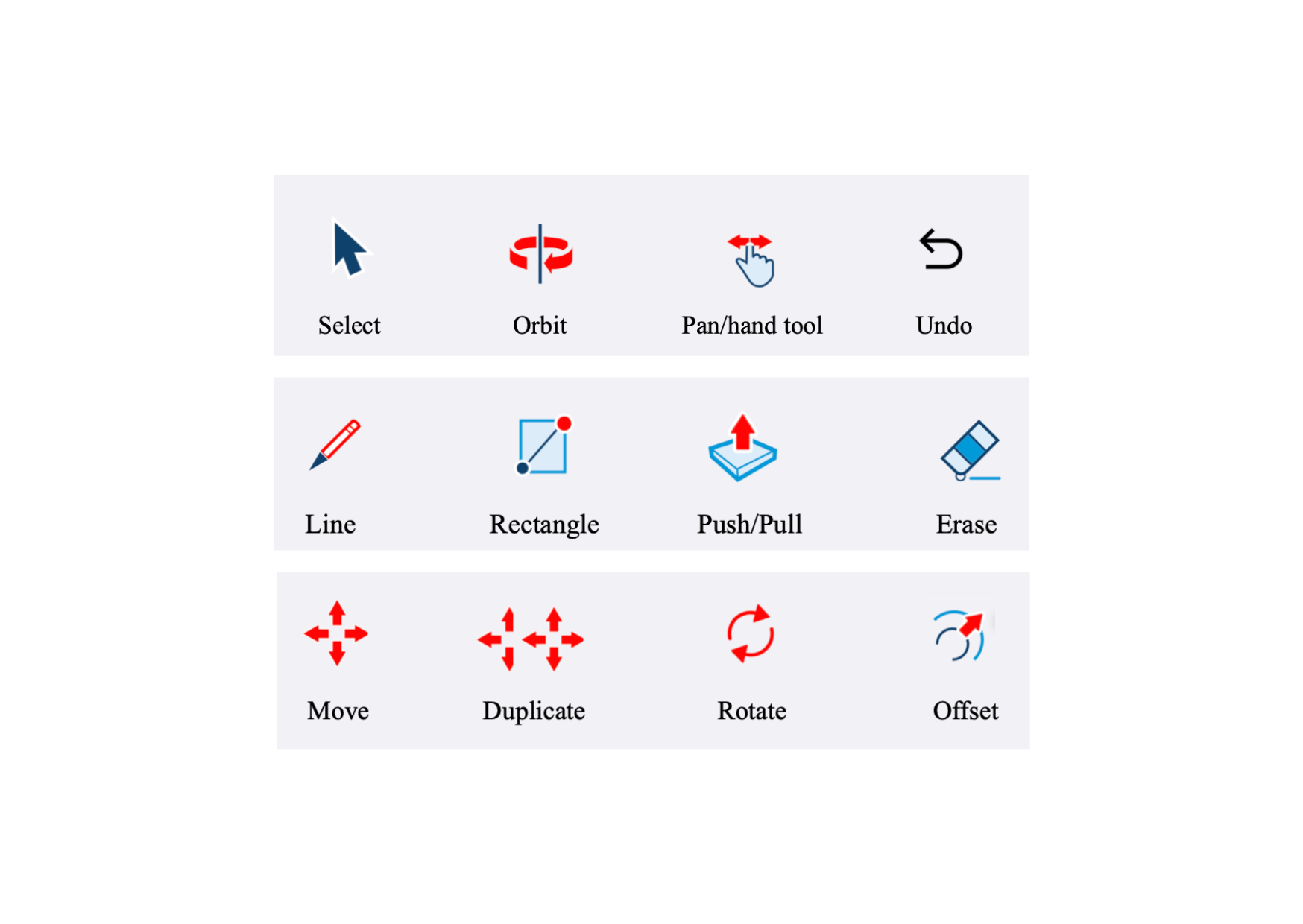
✔ How to navigate and build in 3D
✔ How to create your first interior model
✔ How the full course is structured
No Experience Needed
This module is designed for complete beginners.
You don’t need:
✔ technical knowledge
✔ prior 3D experience
✔ design background
What this module does - and doesn’t do
You will learn the essentials and create your first 3D design.
You won’t yet create full interiors.
The full course builds on this foundation and guides you through complete interior design and presentation.
Your first step into SketchUp for interior design
Continue into the full course
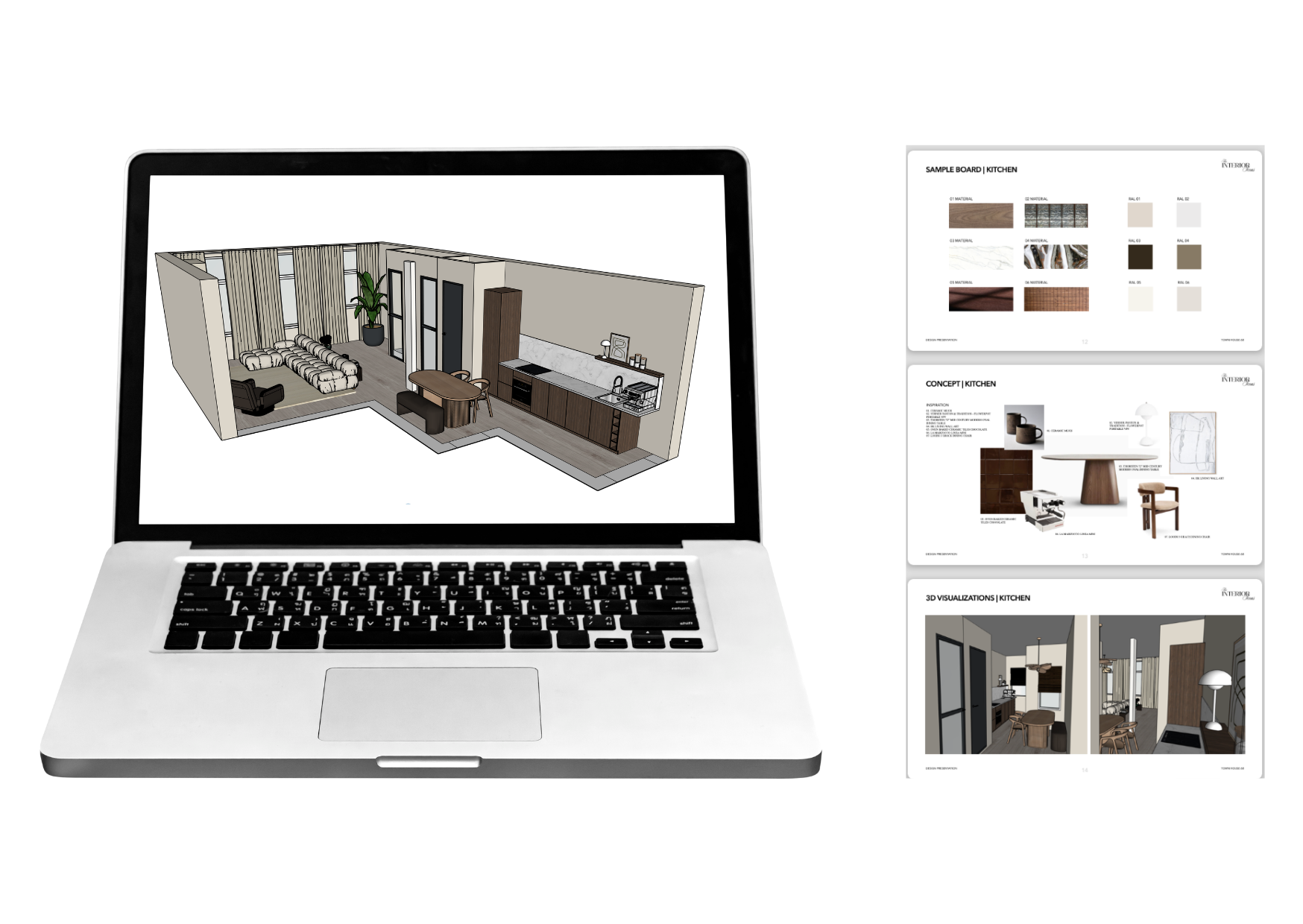
This module is part of The Confident Designer - a complete course where you learn to.
✔ design interior spaces step by step
✔ build them clearly in SketchUp
✔ present your work professionally
Start learning - no commitment
Try the first module, follow the process, and decide if the full course is right for you.